

Collection: Climate






Climate
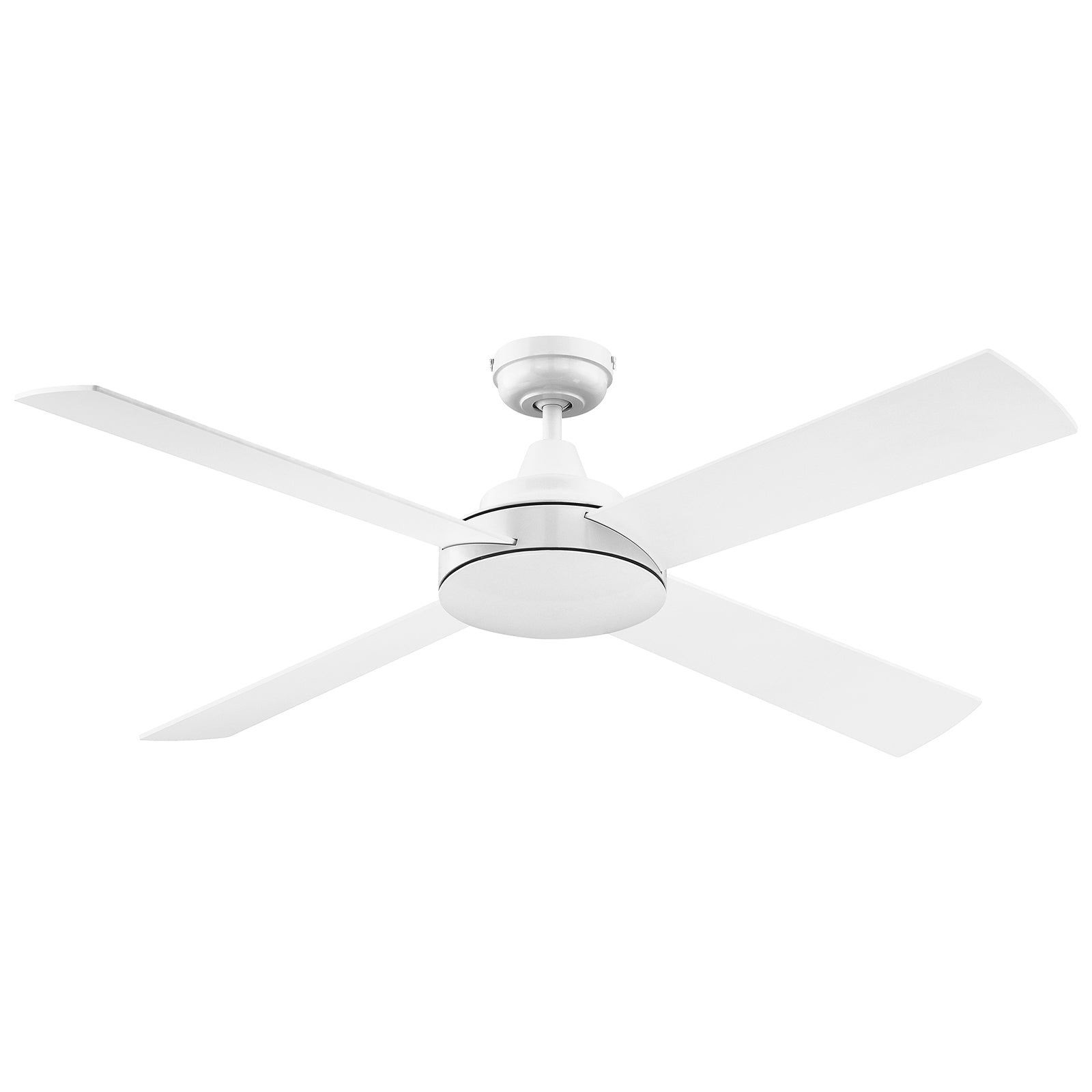
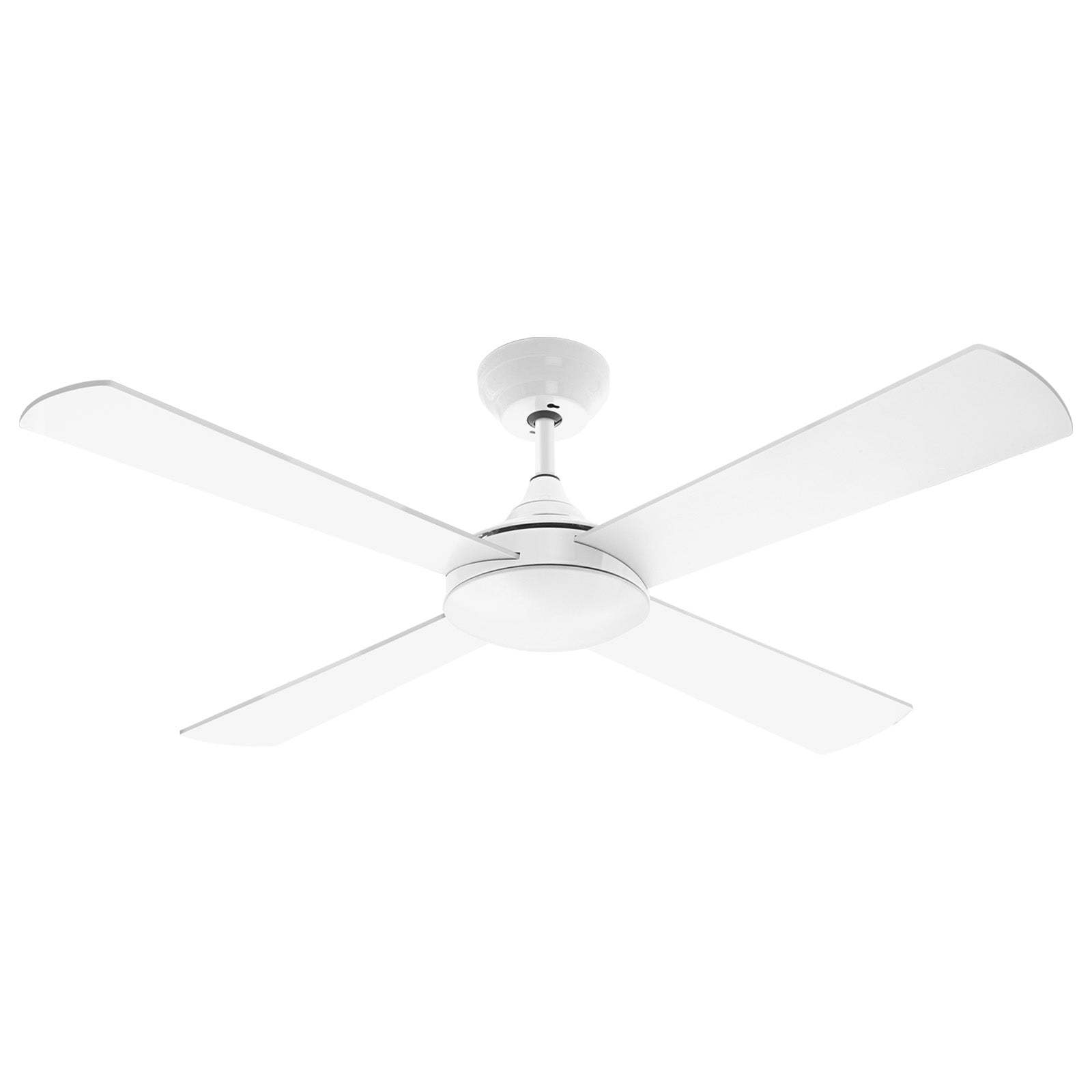
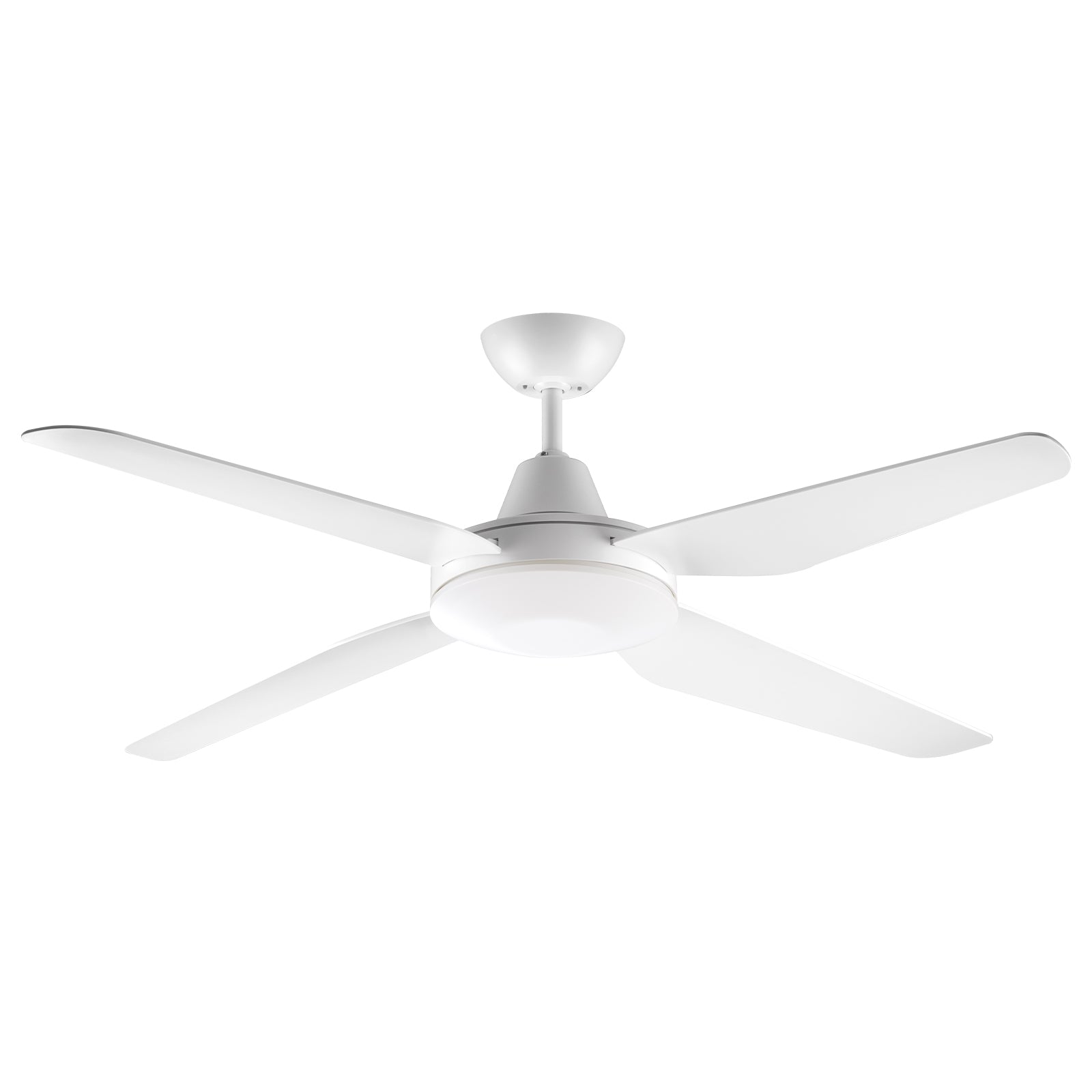
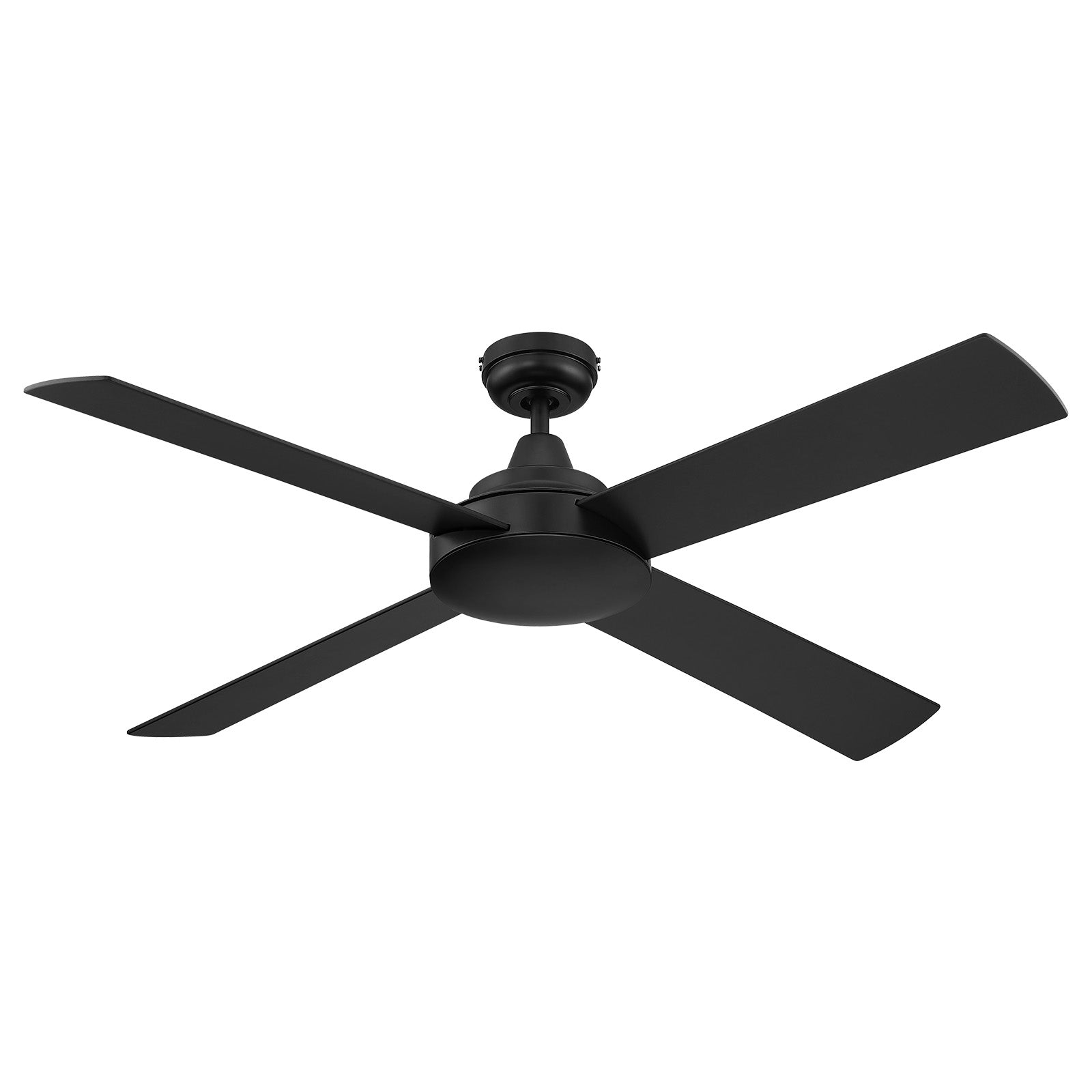
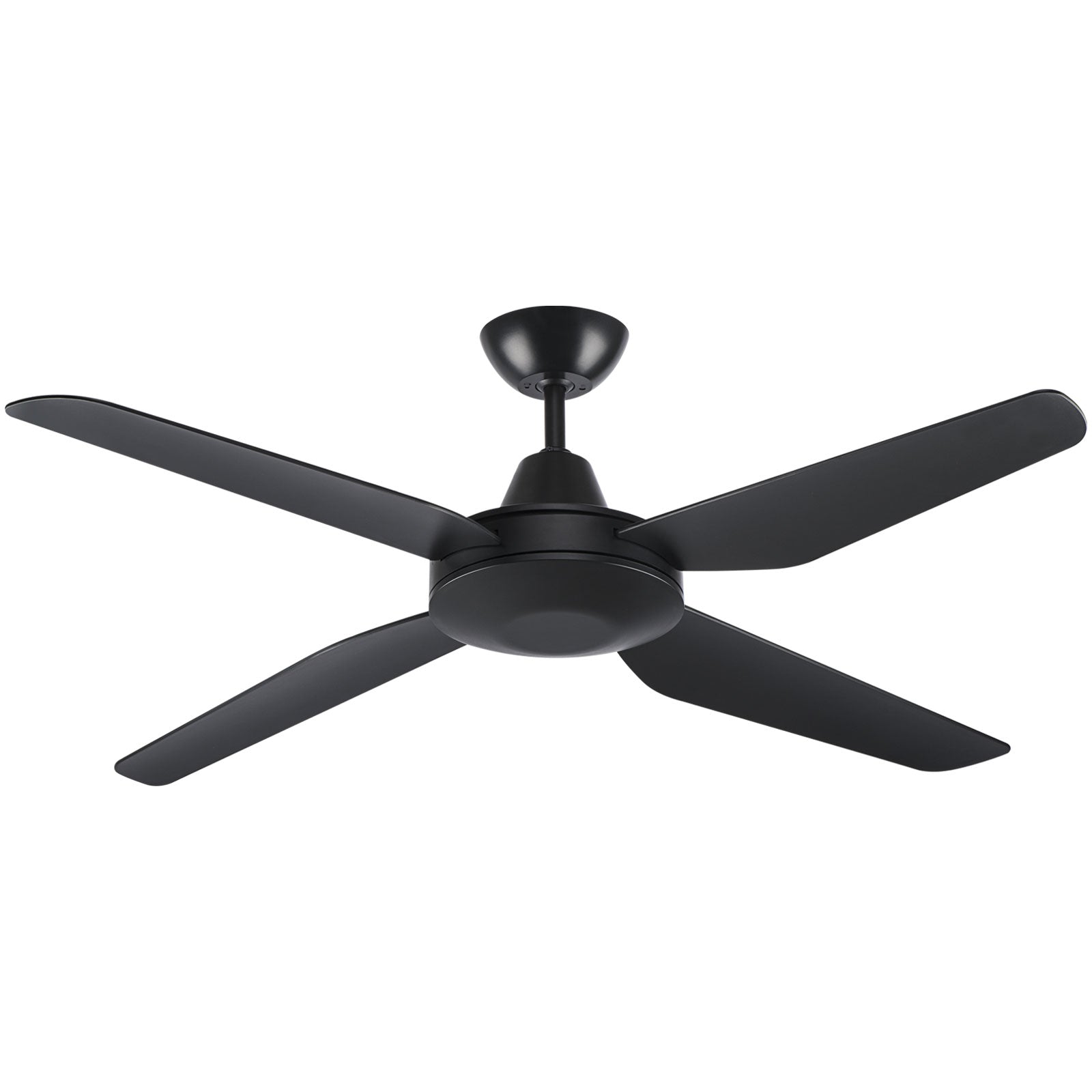
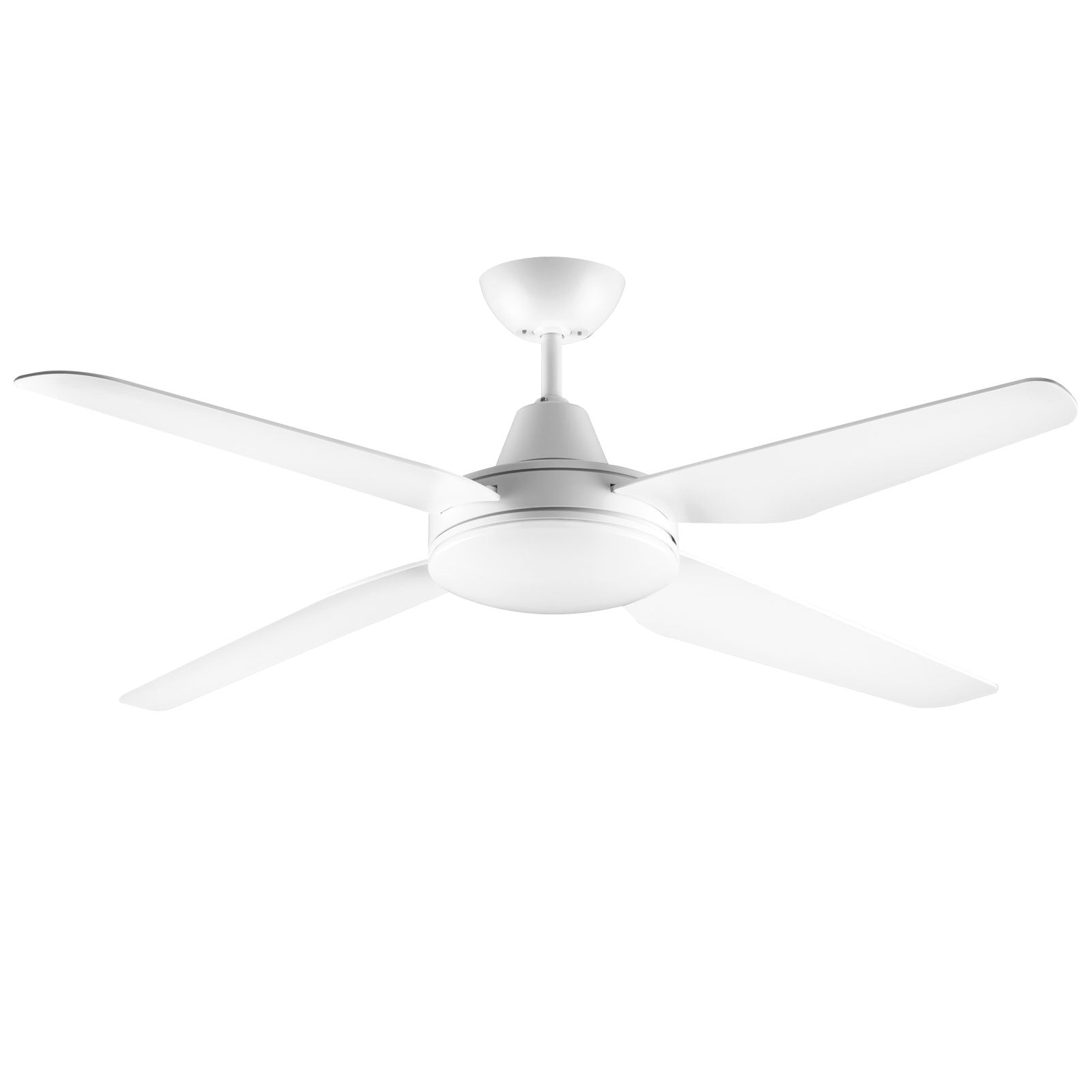
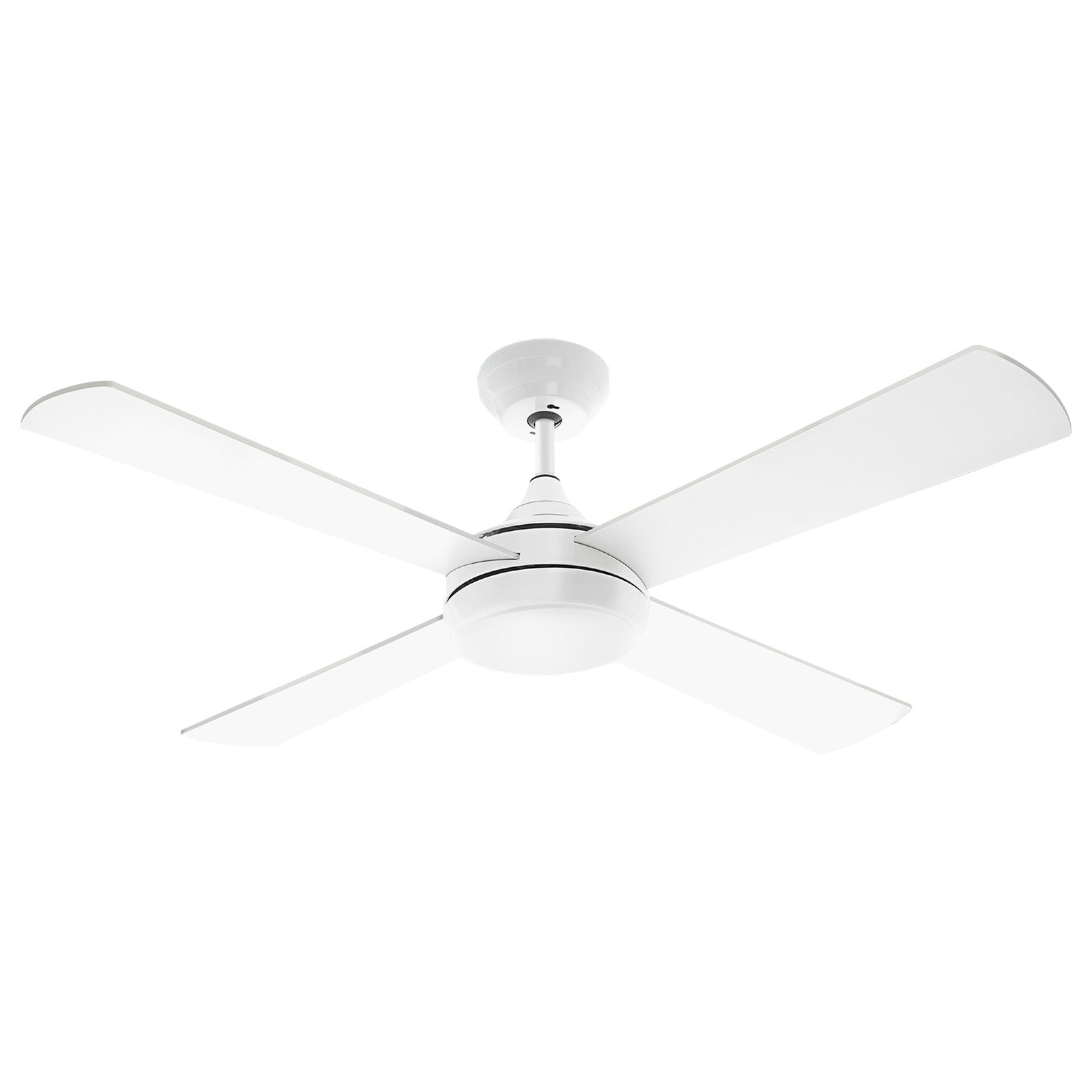
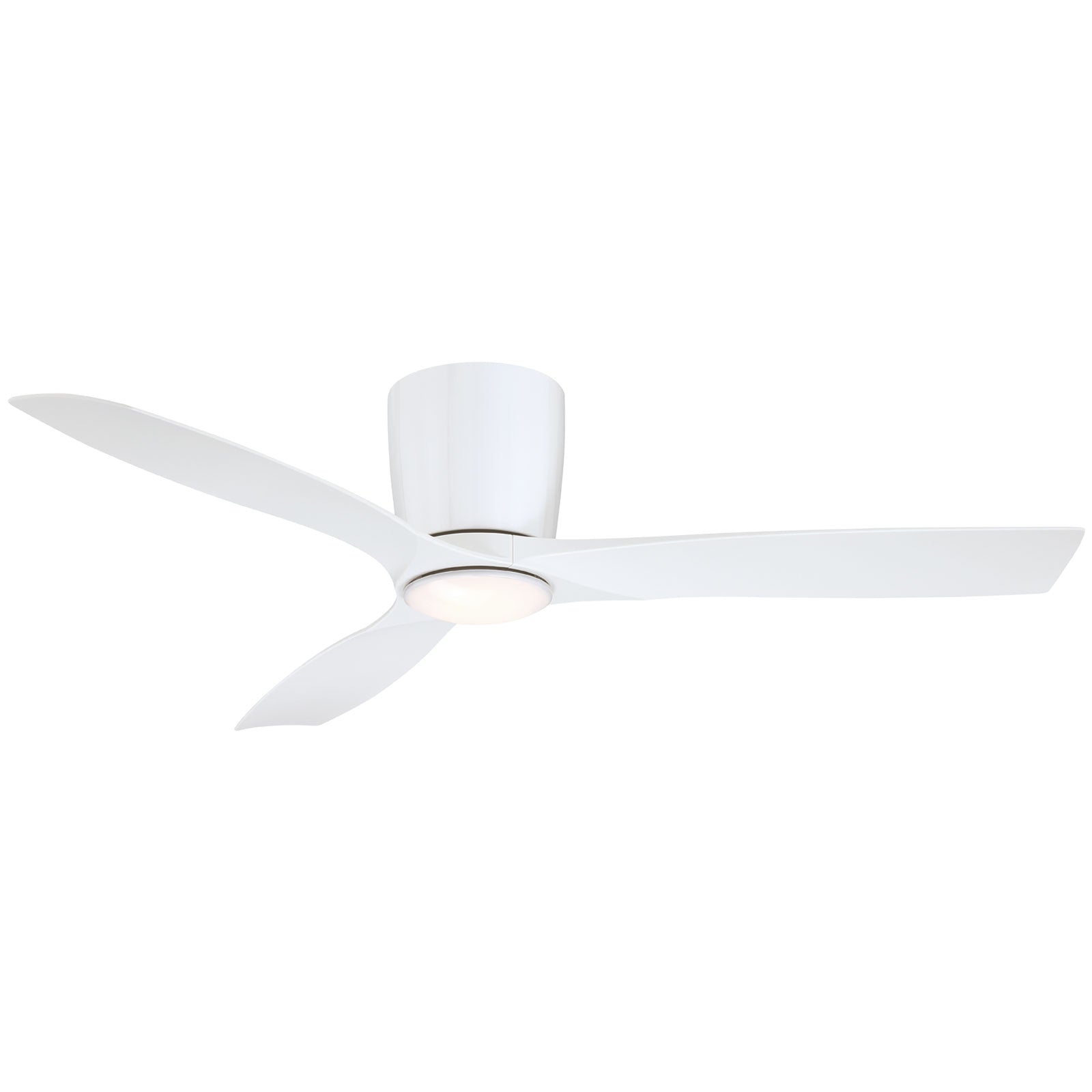
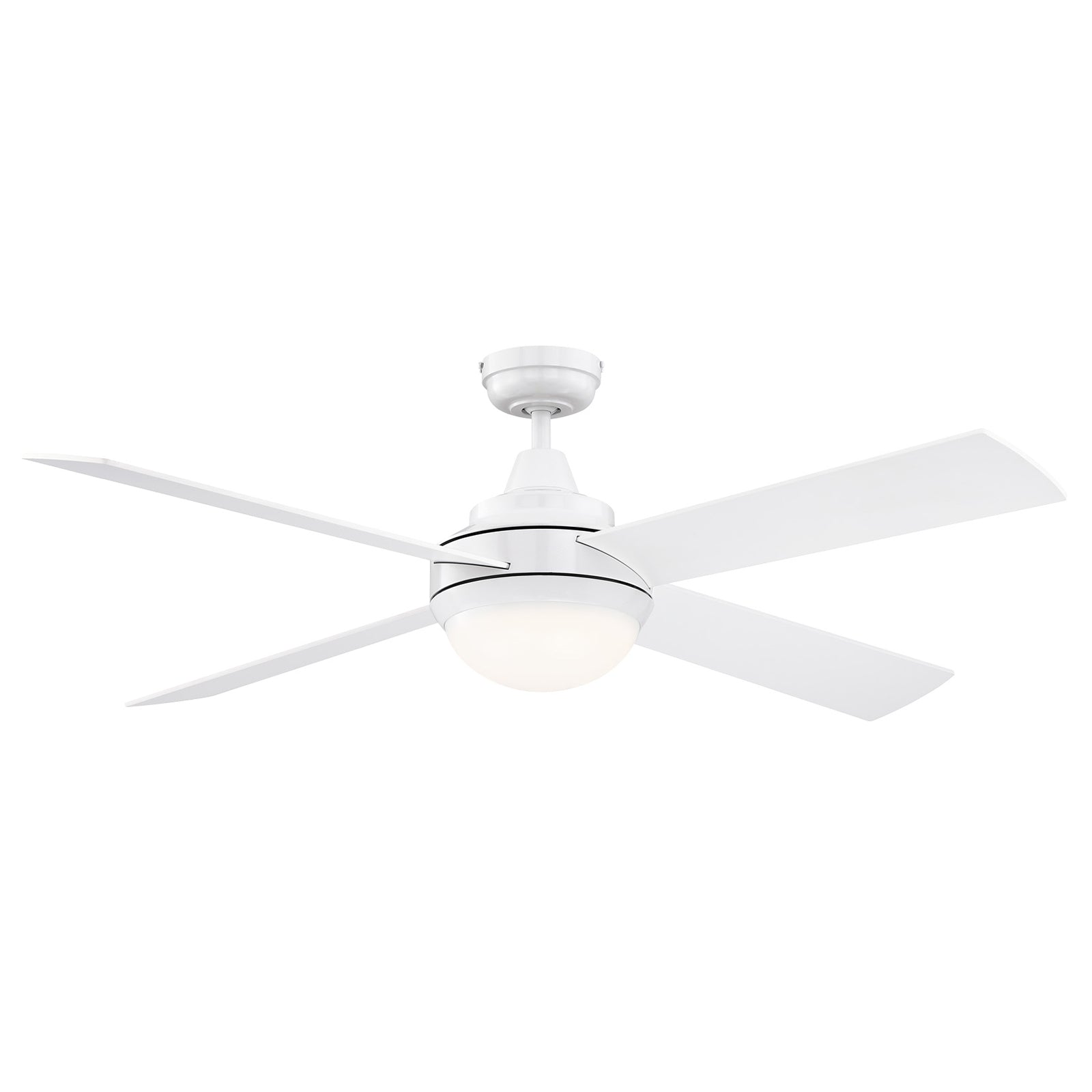
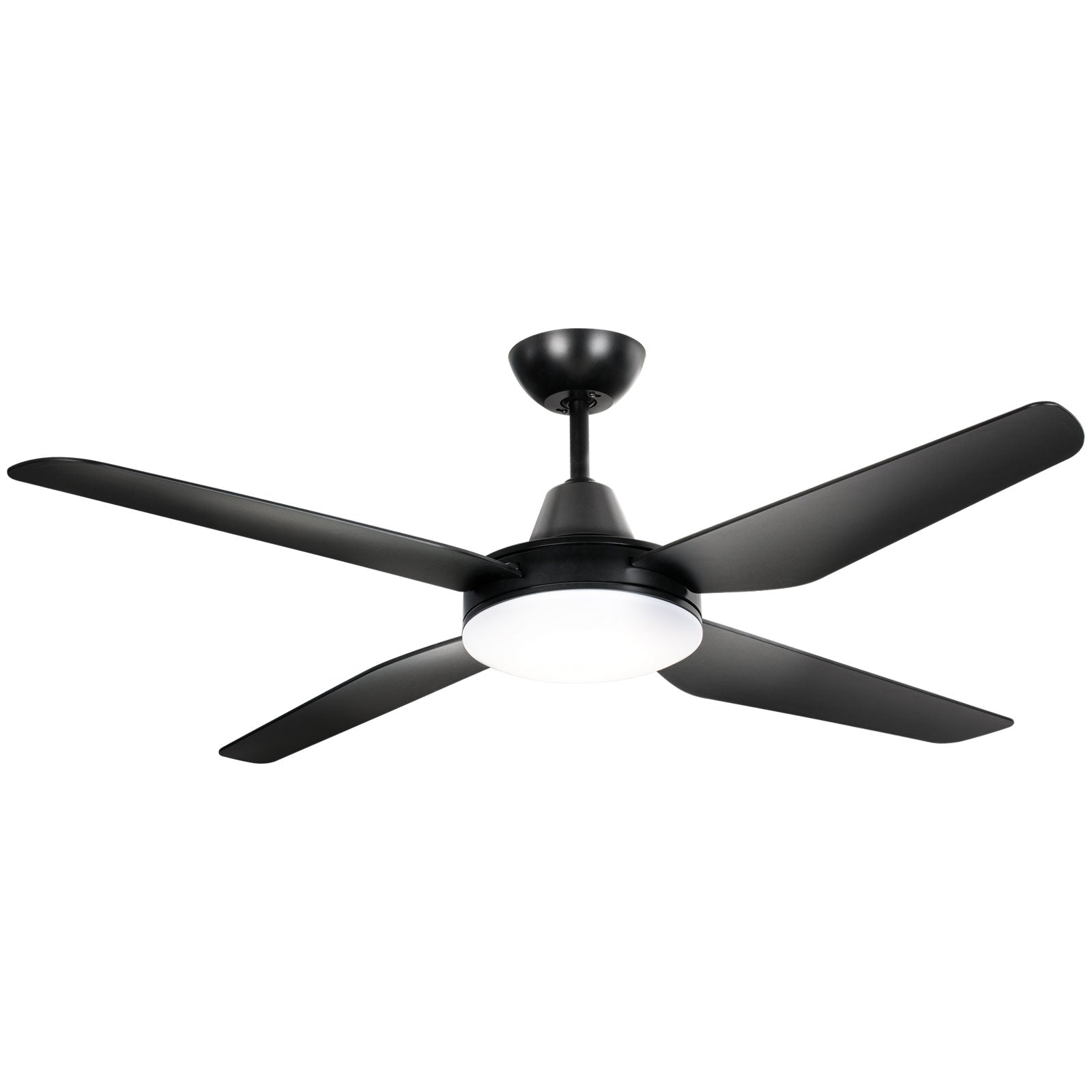
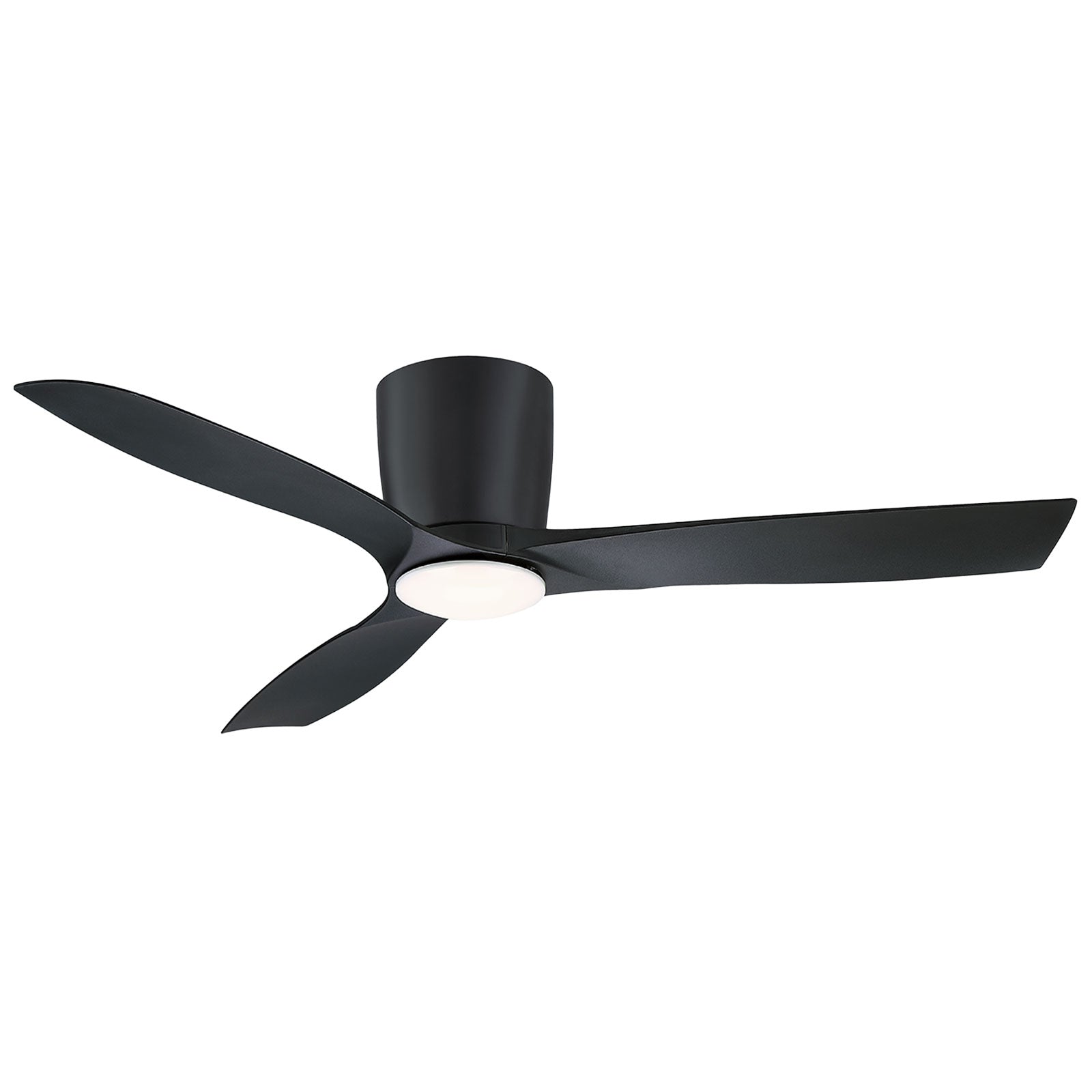
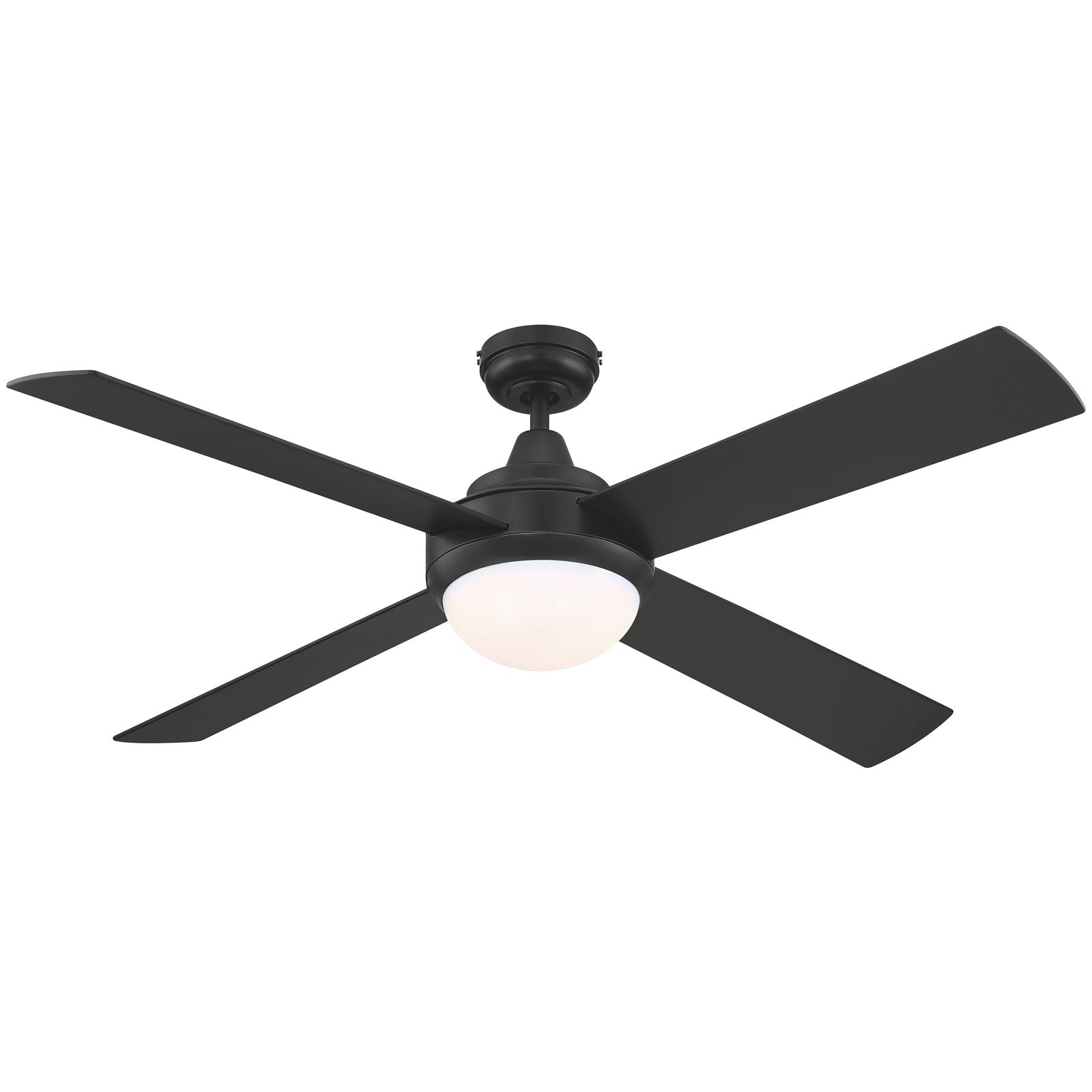
Add comfort to your home or office with a Grid Connect smart ceiling fan. Our range includes ceiling fans with light and reversible modes. With Grid Connect, control your climate throughout a hot summer or cold winter with ease. Choose how to heep your home or office comfortable throughout the day, month and year. View the full range here:
Grid Connect Ceiling Fans [Ceiling Fans]
Grid Connect Ceiling Fans with Lights [Ceiling Fans With Lights]
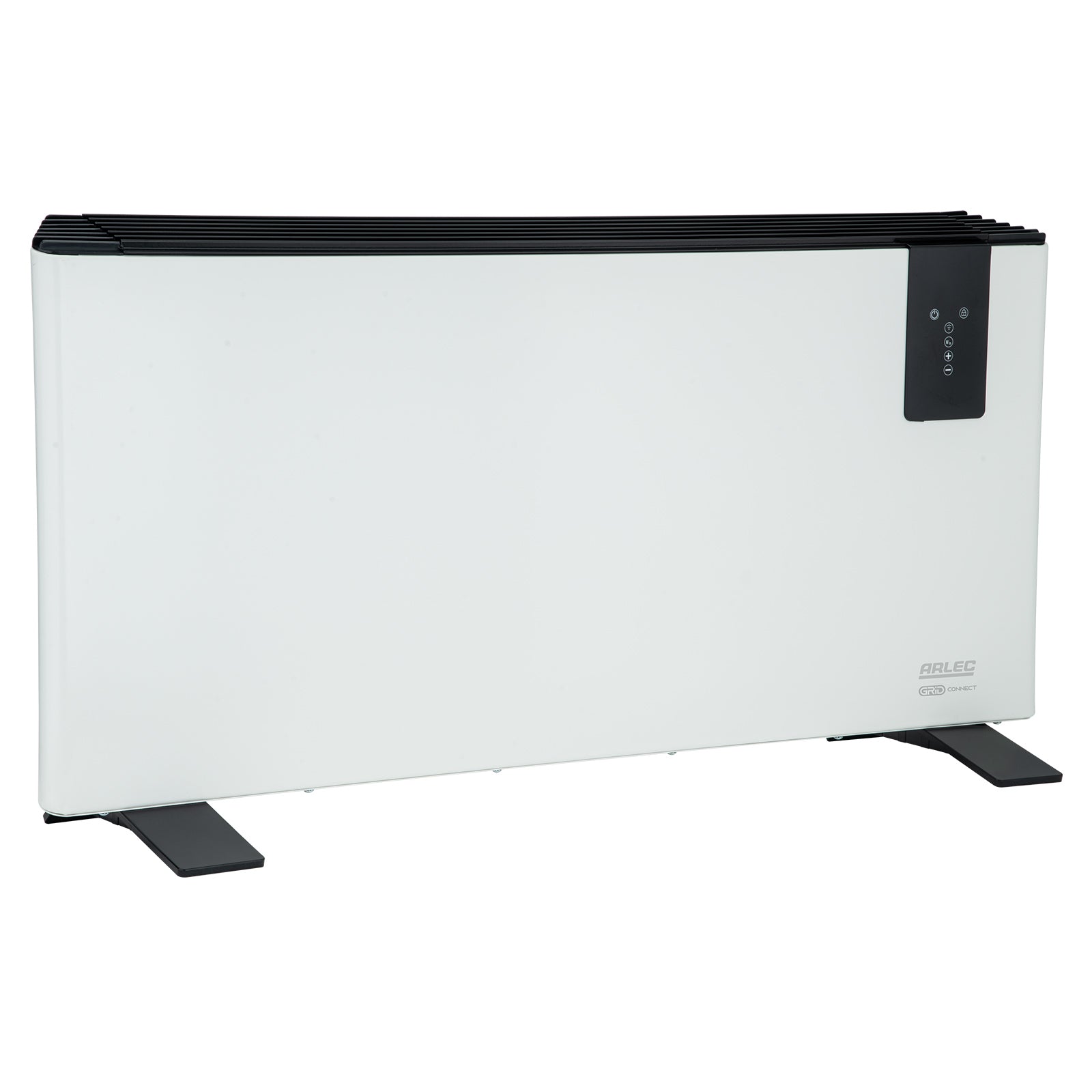
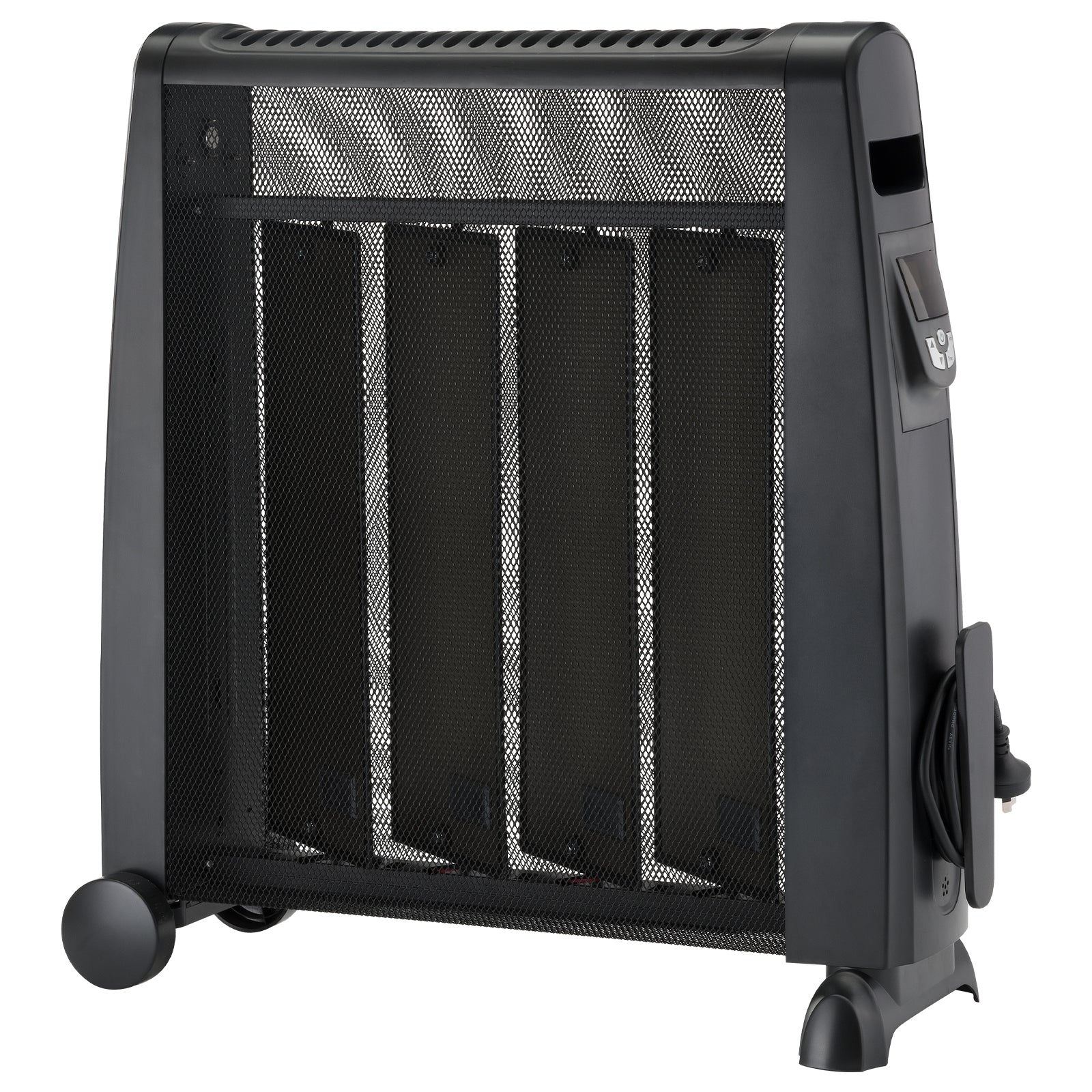
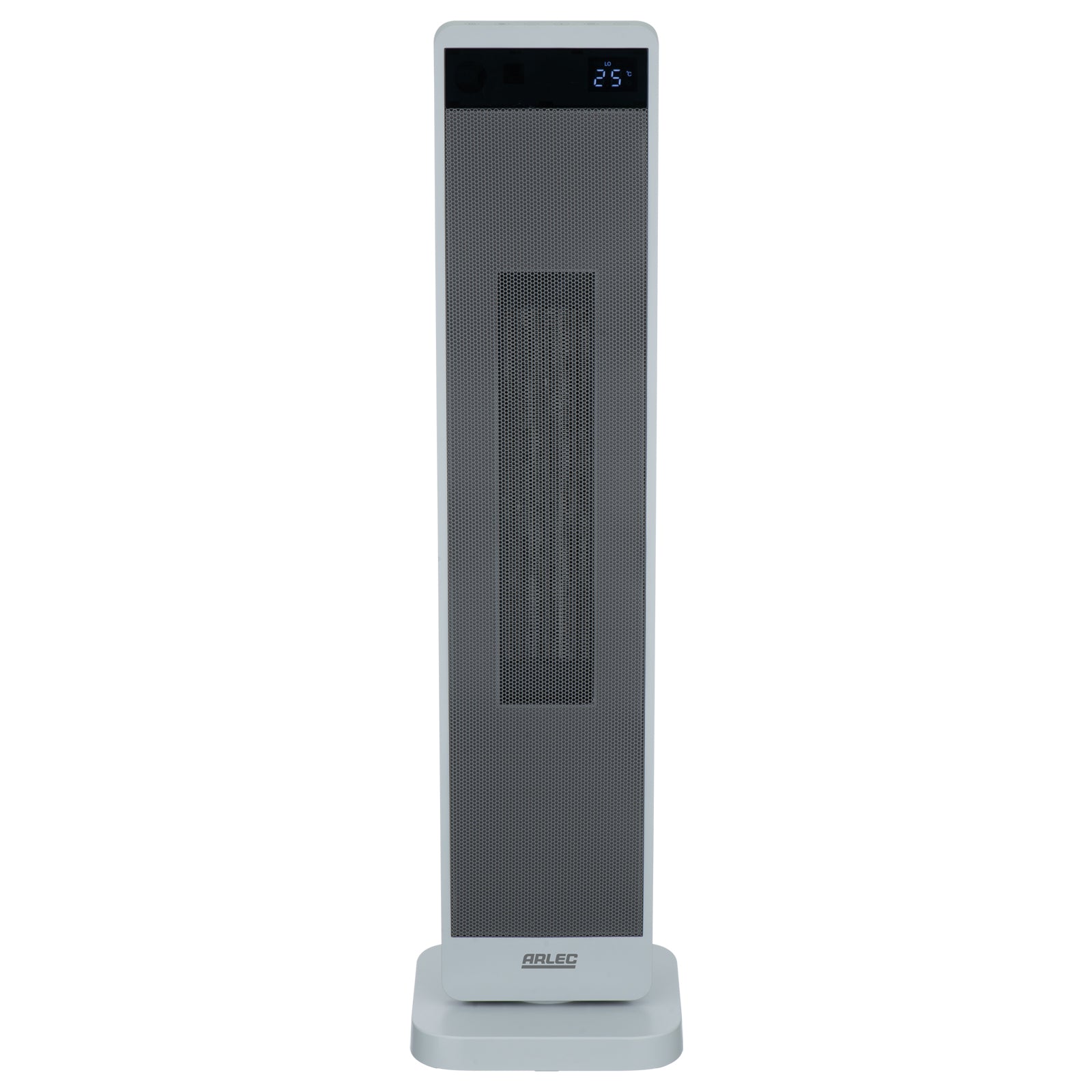
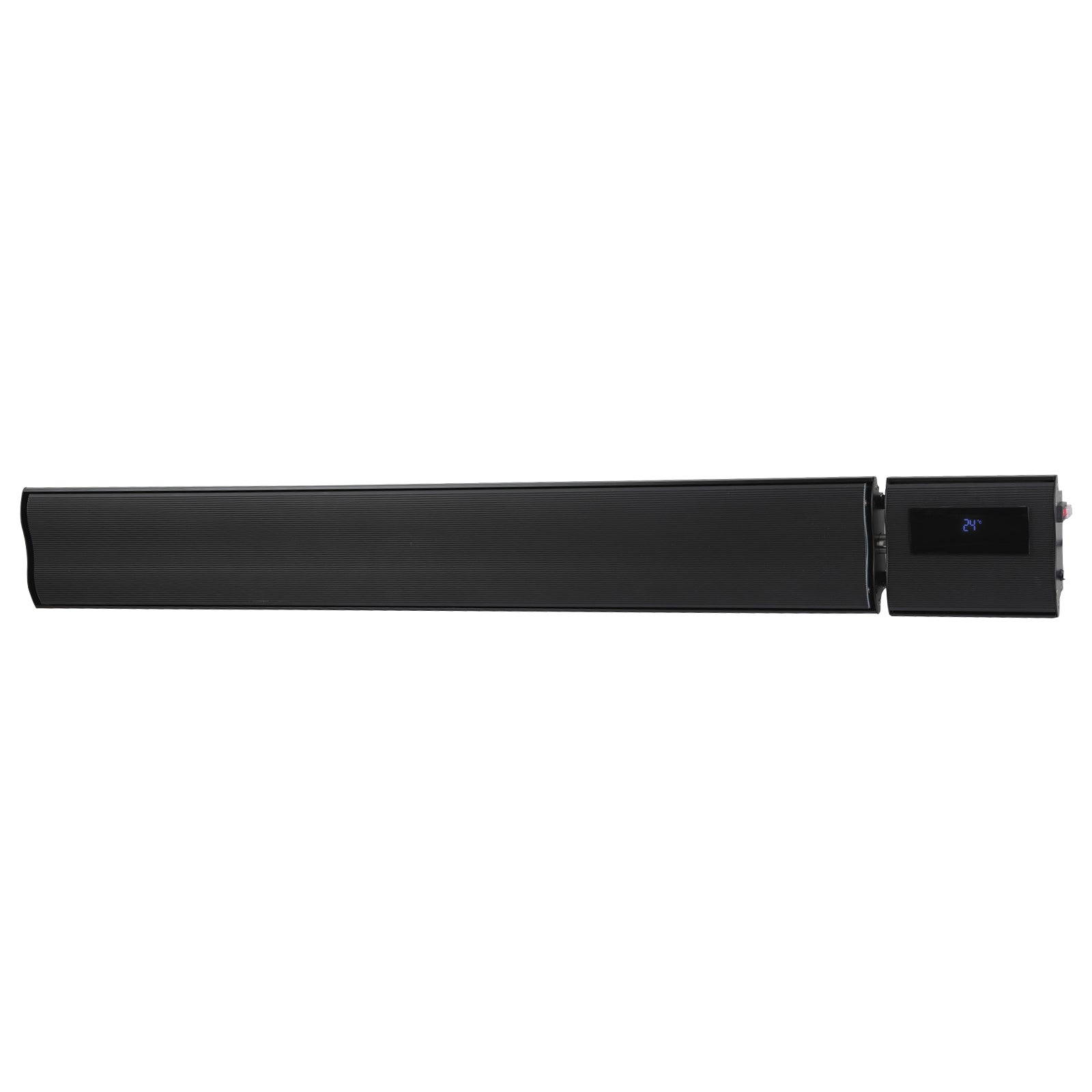
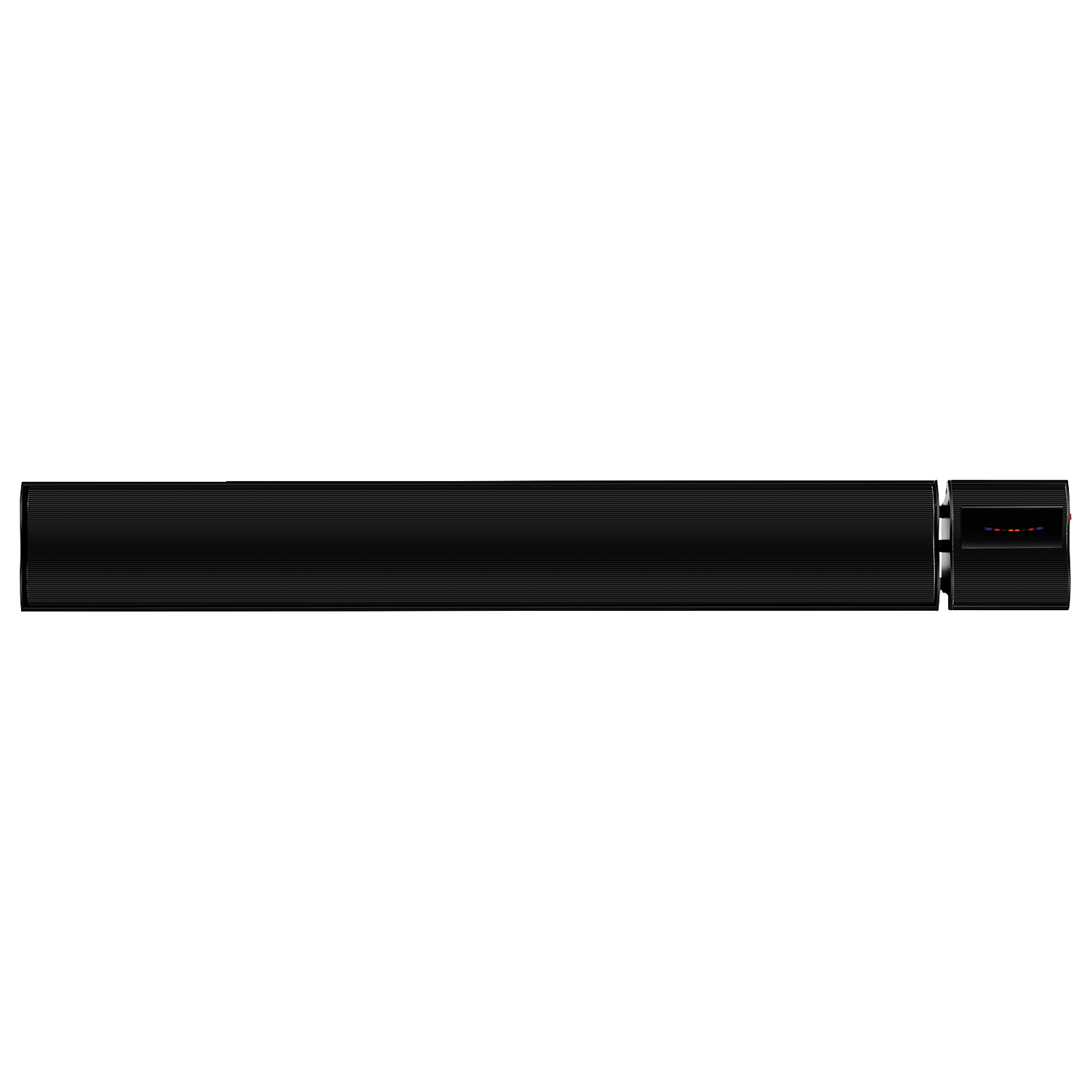
All connected Grid Connect devices can be controlled via the Grid Connect app. This lets you easily set up schedules and timers for all compatible Grid Connect devices. If you have a Grid Connect smart heater, simply set up schedules within the app.
How to set it up
- Open the Grid Connect App and select your heater device.
- Tap on Schedule or Timer.
- Add a new schedule.
- Set the time (depends on the timer - 4-24 hour, e.g., 6:30 AM before you wake up).
- Choose Power ON as the action.
- Save.
Benefits
This lets you wake up to a warm room, improves comfort, and helps manage energy use efficiently without manual switching.
If you plan on using a Grid Connect smart plug to switch on or off your existing heater, firstly make sure the smart plug's power rating is suitable for your heater. Next, check that the heater can be switched on and off at the mains. To do this, turn the heater off at the wall and leave it for at least 30 seconds. Turn it back on and see whether it has returned to the mode you’ve set before turning it off. If it hasn’t gone into a standby mode a Grid Connect smart plug will be able to control this heater. This means that you can use the Grid Connect app to turn the heater on or off when it is connected to the smart plug.
App Guide
There are several ways to use Grid Connect to control compatible ceiling fans.
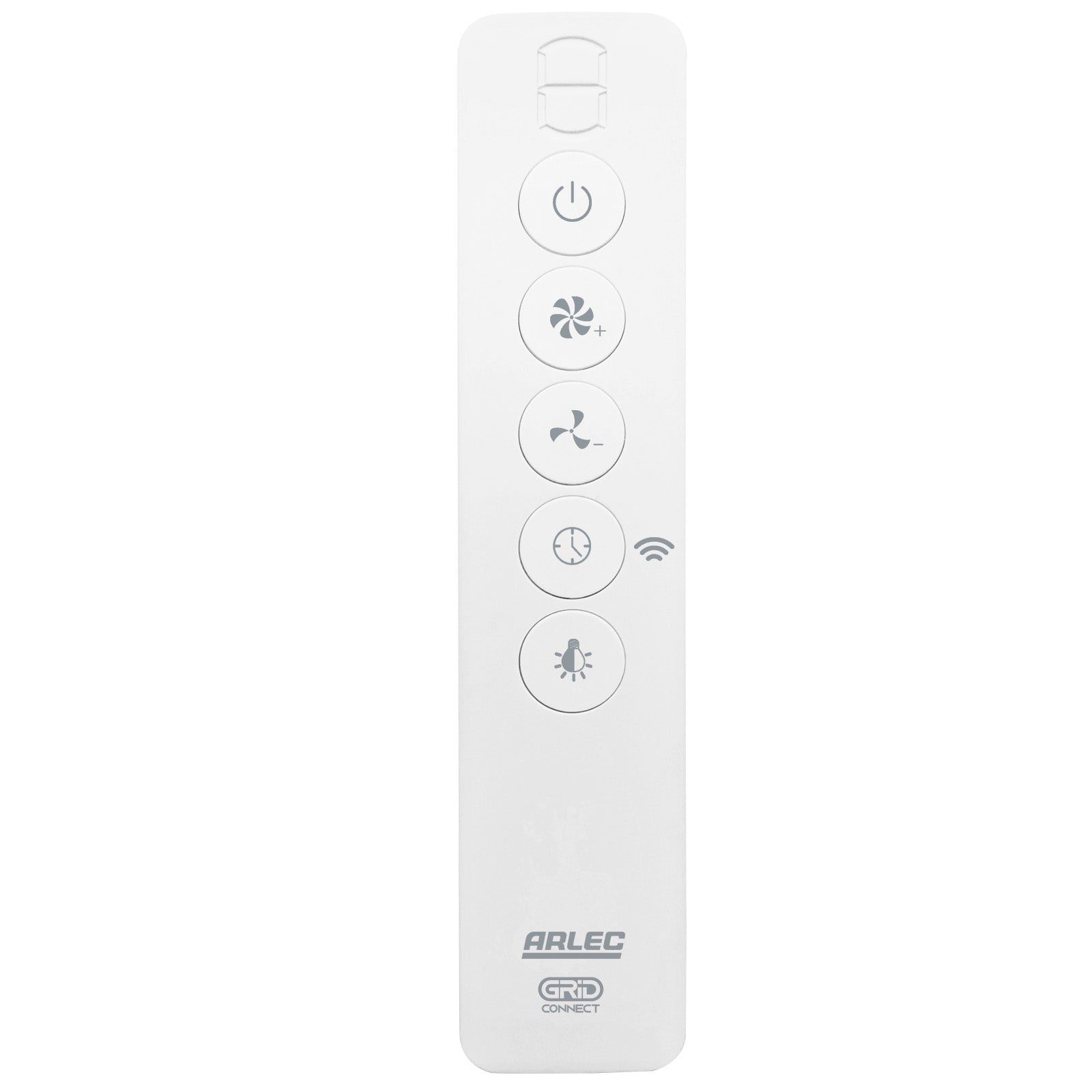
If your ceiling fan is AC controlled with a wall switch, the Deta Grid Connect Fan Speed Controller with Touch Light Switch [Link] or the Arlec Grid Connect Smart Ceiling Fan Remote Control Kit [Link] may be retrofitted to bring your ceiling fan into the Grid Connect ecosystem. Before purchasing, please check compatibility. These products must be installed by a licensed electrician.
Alternatively, if your ceiling fan uses an IR (infrared) remote control, the Grid Connect Universal IR Controller can be used to control your ceiling fan through the Grid Connect app, with no additional installation required.
Please note that DC ceiling fans can generally only be controlled through Grid Connect using the Universal IR Controller, and only if the existing remote control is IR-based.
Grid Connect is also supported on a range of compatible Bunnings Warehouse ceiling fans.