

Collection: Robot Cleaners
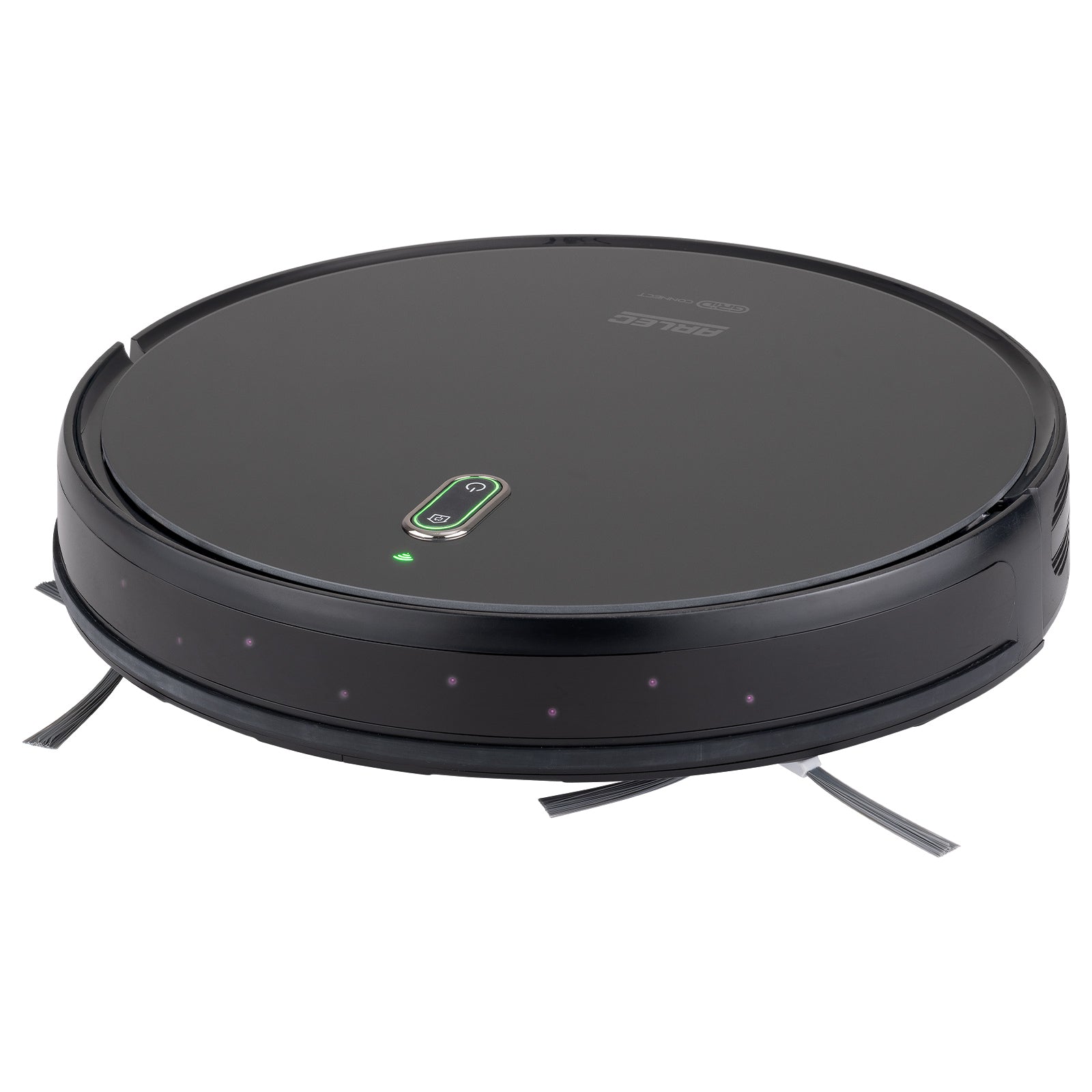

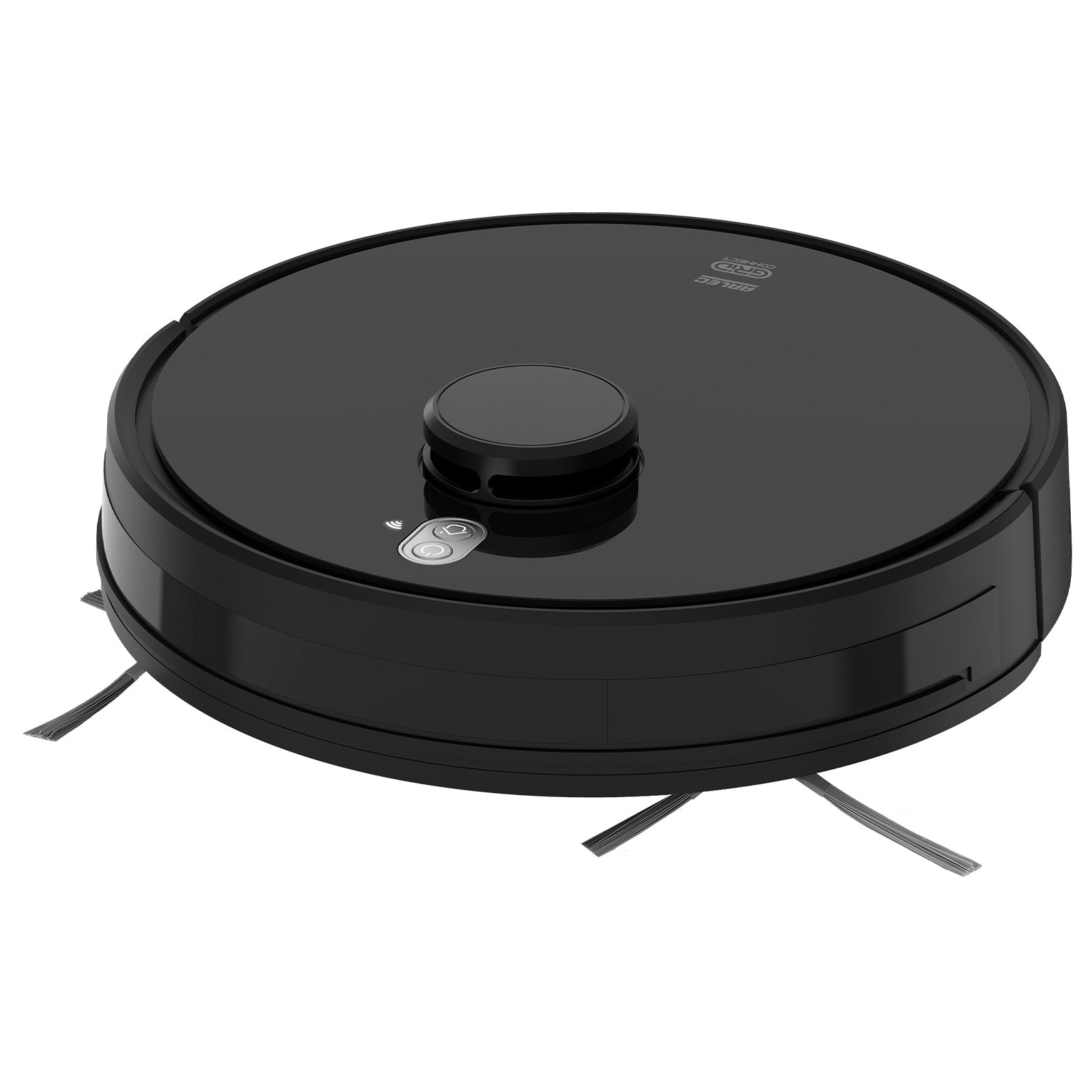
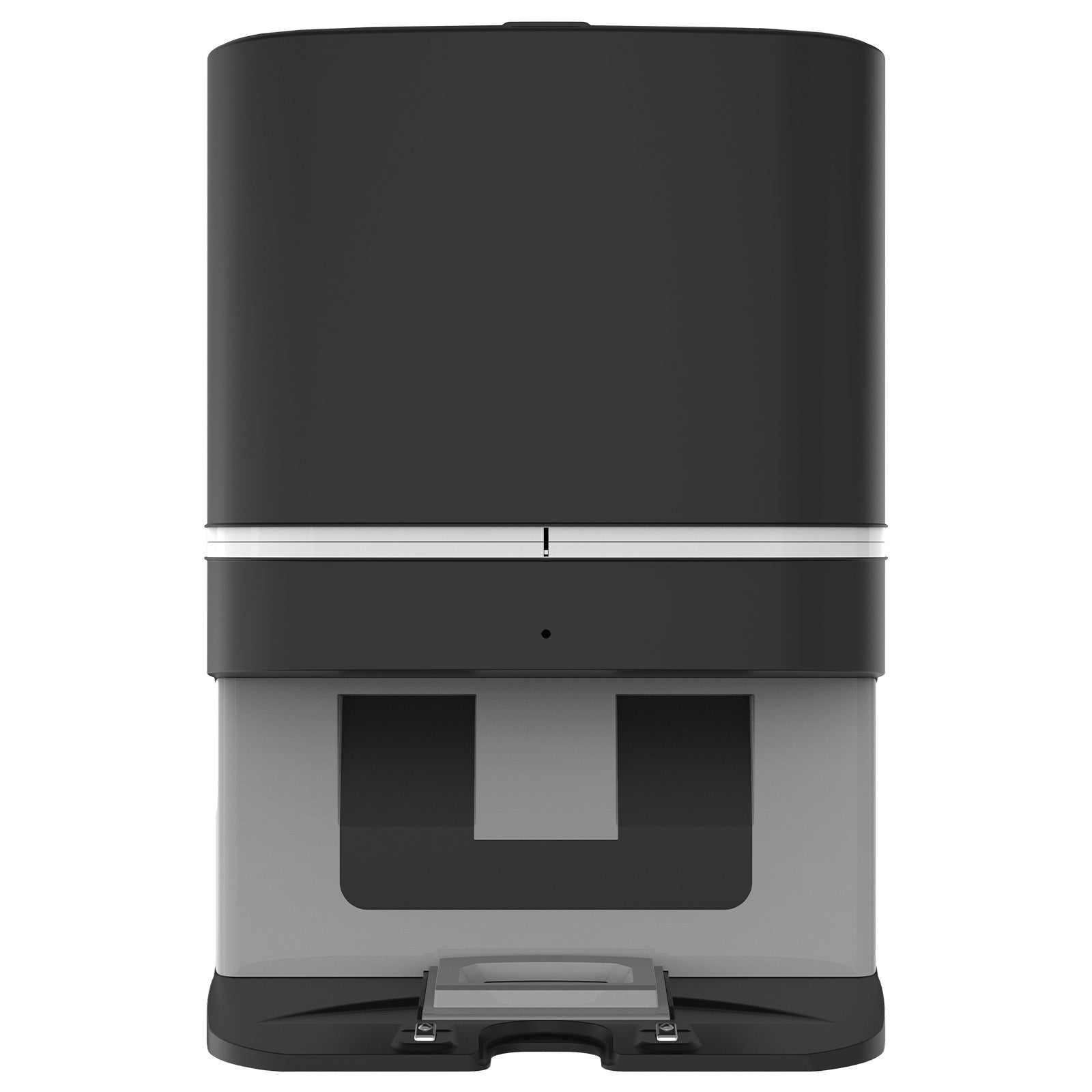

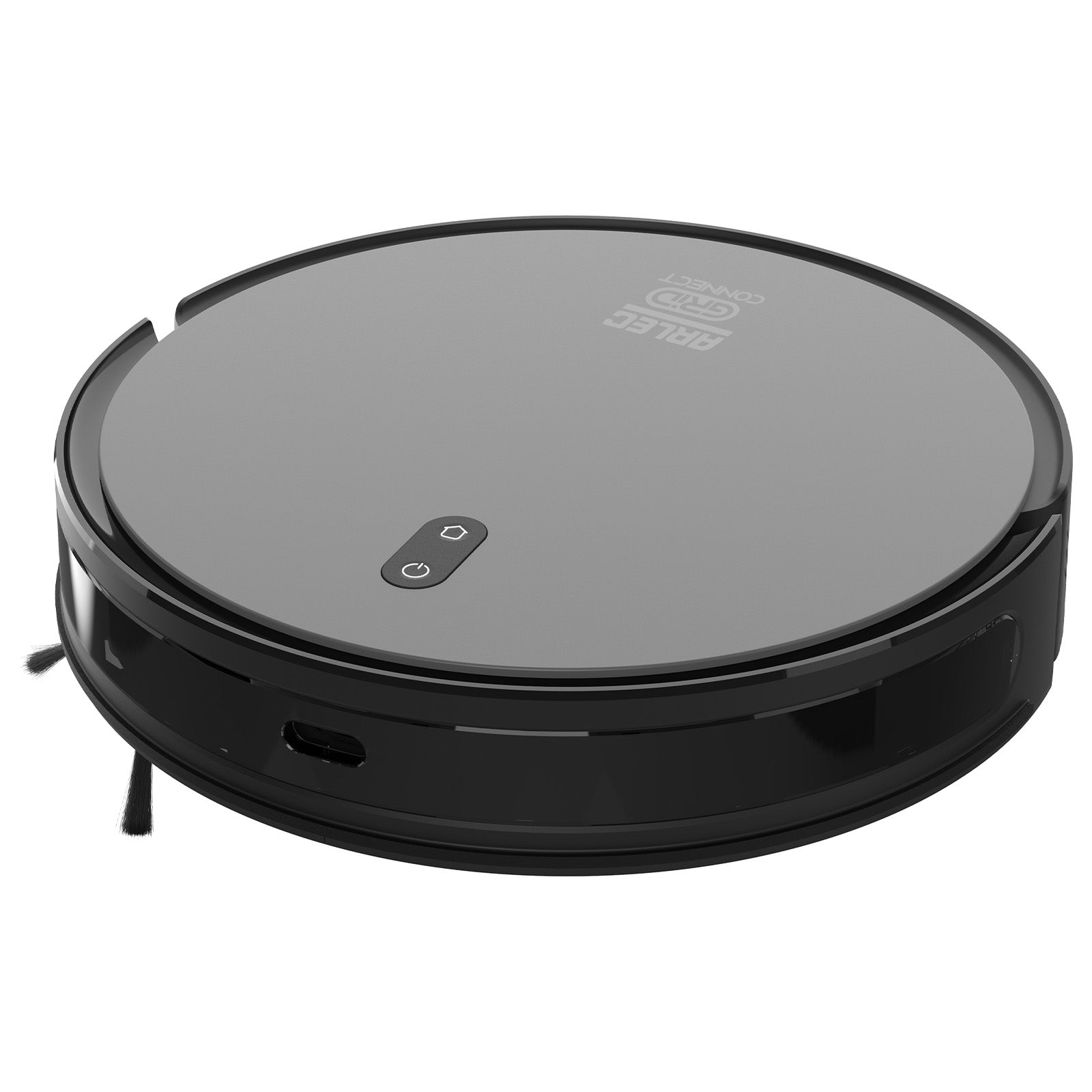
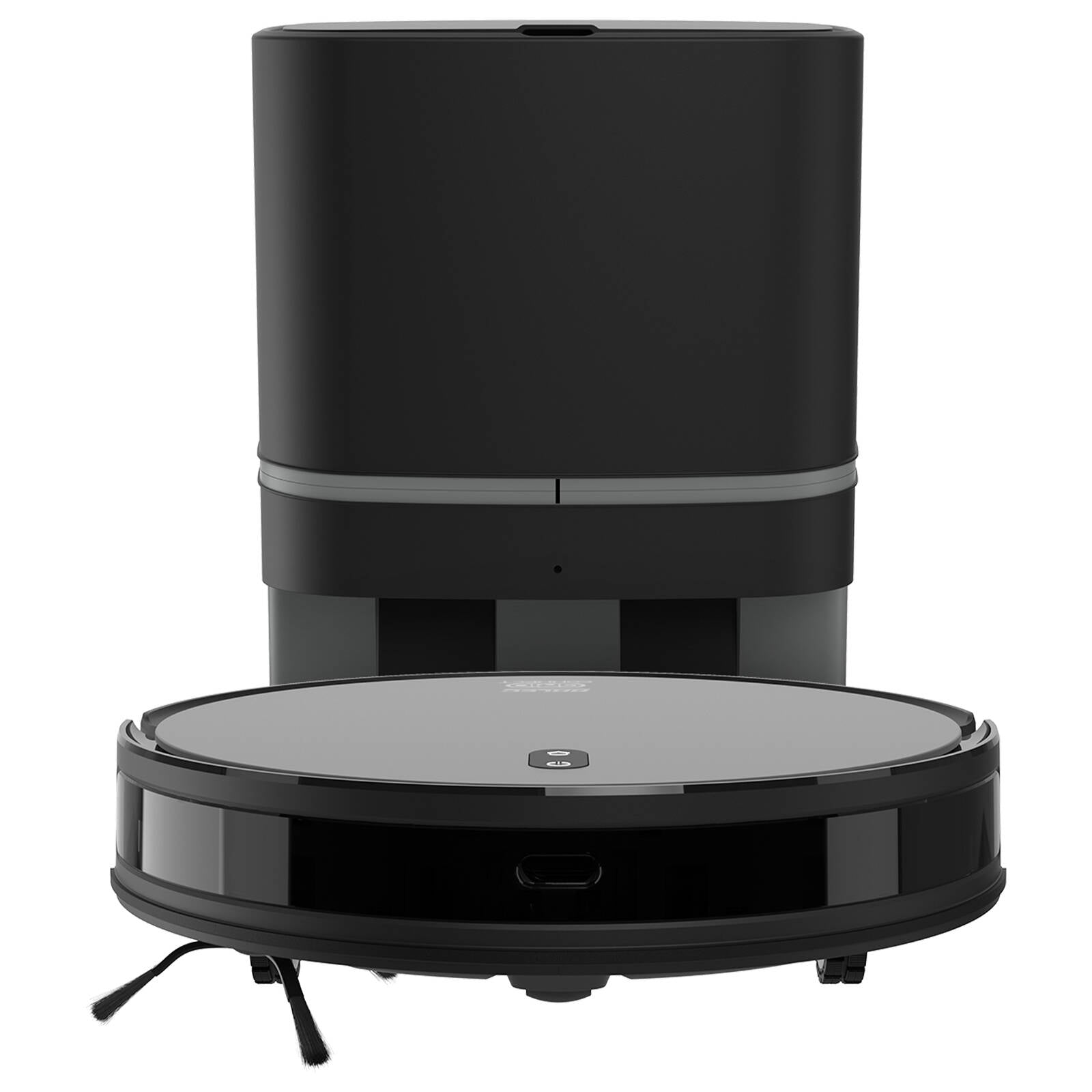
Robot Cleaners
All Grid Connect smart robot vacuums have an array of onboard sensors which are used to determine its location. The first time the smart robot vacuum is run, it will run a mapping mode to generate a map of your home. Ensure that the front, sides and bottom of the smart robot vacuum is clear of dust and grime, and refrain from moving furniture while the smart robot vacuum is running for best mapping function. You can run the mapping mode any-time through the Grid Connect app
Yes, you can schedule your Grid Connect smart robot vacuum to run while away from home. Set up schedules and automations easily with the Grid Connect app. There is no need to worry about leaving the smart robot vacuum unsupervised, as the vacuums’ sensors are designed to ensure it stays out of harms way. The collision sensors and bumper allow the vacuum to safely nagivate most obstacles such as furniture or walls and the drop sensors stop it from falling down stairs. We recommend removing small or fragile items like charging cables that may get caught in the vacuum.
Yes. If your Wi-Fi or internet connection goes down, any previously scheduled feeding programs stored on the pet feeder will continue to operate as normal. Grid Connect pet feeders also support battery backup power to help ensure scheduled feedings can still occur during a power outage.
Please note that remote functions through the Grid Connect app, such as manual feeding or changing settings remotely, will be unavailable until the Wi-Fi/internet connection is restored.